
Why Solving VPS Network Issues Requires Cooperation Between Providers and Customers
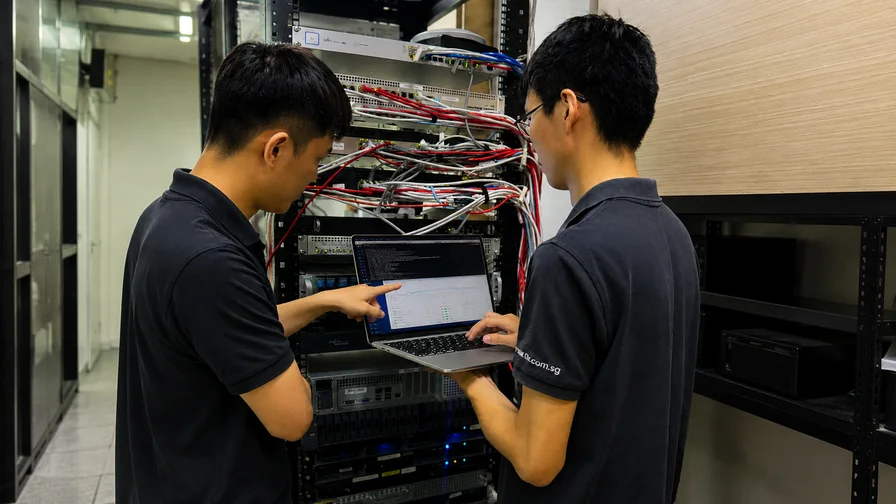
When a Network Problem Isn’t Anyone’s “Fault” Yet
Ask ten people who is responsible for a slow or unreliable VPS connection and you will often hear two answers: “It’s the provider’s network,” or “It’s the customer’s configuration.” In reality, a single request travels through layers owned by different parties, and the honest answer is usually we don’t know yet — let’s look together.
At Ready Server Pte Ltd, we have learned that the network issues resolved fastest are the ones where the provider and the customer stop trying to assign blame and start sharing what only they can see. This article explains why that cooperation matters, where the boundaries of responsibility actually sit, and how you can help us help you.
The Path a Request Actually Travels
A connection to your VPS in Singapore crosses several distinct domains before a single byte is returned:
- Your local environment — your device, Wi-Fi or office network, ISP, and any VPN.
- The public internet — a chain of independent networks and peering points that neither you nor we own or control.
- Our network edge — the routers, switches, and links inside our data centre.
- The physical host — the hypervisor and hardware your VPS runs on.
- Your VPS itself — the operating system, firewall rules, applications, and configuration that you manage with full root access.
A problem can live in any one of these layers. And here is the key point: no single party can see all of them. We have deep visibility into our network and the host; you have visibility into your local conditions and your server configuration. The public internet in the middle is opaque to everyone.
What Only the Provider Can See
Some things are simply on our side of the fence, and only we can investigate them:
- Port saturation, link congestion, or hardware faults inside the data centre
- Whether a physical host is under unusual load
- Upstream routing and peering behaviour at our network edge
- Signs of a volumetric DDoS attack hitting the network
- Scheduled or emergency maintenance affecting a segment
When you report an issue, we can pull metrics and logs you will never have access to — which is exactly why reporting it, rather than silently working around it, is so valuable.
What Only the Customer Can See
Just as often, the decisive clue sits on the customer side and is invisible to us:
- A local ISP or Wi-Fi problem that makes the VPS look slow from one location but not others
- A firewall rule,
iptables/ufwchange, or Fail2Ban ban that is dropping traffic - An application consuming all available CPU, memory, or connections
- A misconfigured DNS record or an expired certificate
- A backup job or cron task saturating the link at a specific time
We cannot see inside your operating system on an unmanaged plan — and we should not, because that root-level control is precisely what a VPS gives you. That autonomy is a benefit, but it also means some answers can only come from you.
Why “Not My Problem” Wastes the Most Time
The slowest resolutions we see almost always start the same way: each side assumes the other is at fault and waits. Days pass, the issue persists, and frustration grows — not because the problem is hard, but because the two people who together hold all the evidence never compared notes.
Cooperation short-circuits this. When a customer sends us a traceroute or mtr from their location and we compare it against our internal metrics, the layer where the problem lives usually becomes obvious within minutes. The goal is never to prove whose fault it is; it is to find where the packets are actually struggling.
How ReadyServer Approaches a Shared Investigation
When you start a chat with our support team through in-app support chat, we work the problem as a partnership. To move quickly, it helps to include:
- What you are seeing — high latency, packet loss, timeouts, slow throughput, or intermittent drops
- Where you are seeing it from — your location and network, since many issues are route-specific
- When it started and whether it is constant or intermittent
- A diagnostic sample — the output of
ping,traceroute/mtr, or a speed test to your server
While you gather that, we check the health of your host, our network edge, and the relevant links from our side. Two half-pictures become one complete one. Our companion article, How ReadyServer Investigates a VPS Network Performance Issue, walks through the exact diagnostic steps we take.
How You Can Help Us Solve It Faster
You do not need to be a network engineer to be a great troubleshooting partner. The most useful things you can do:
- Test from more than one network (for example, mobile data as well as office Wi-Fi) to rule out local issues
- Capture an
mtrreport over 100+ packets rather than a singleping - Note the exact times problems occur, so we can line them up against our metrics
- Tell us what changed recently — a deployment, a firewall edit, a new cron job
For deeper self-checks, our guides on how to test hosting performance and troubleshooting common hosting issues are good starting points.
Conclusion: A Partnership, Not a Blame Game
A VPS sits at the meeting point of your configuration and our infrastructure, with the wider internet running between them. Solving network issues quickly is not about one side being right — it is about combining the visibility each side uniquely holds.
That is the relationship we aim for with every customer: transparent, evidence-driven, and cooperative. When something looks wrong with your ReadyServer VPS, reach out early and bring what you can see. We will bring what we can see, and together we will find the answer far faster than either of us could alone.